Welcome!
Setting up the Wordle Bot is a 2 step process.Step 1: Install the sharing shortcut
IMPORTANT READ THIS ALL BEFORE CLICKING THE SHORTCUT LINK
The iOS shortcut will allow you to easilty enter your score and comments. When installing the shortcut, enter your username exactly as: "Dave", "Wes", or "Andrew" depending on who you are.
After installing the shortcut, when you share your Wordle score (using the share button from your wordle results) a new option will be in the share sheet:
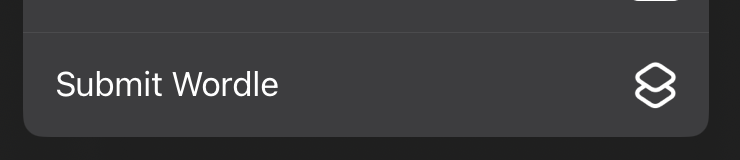
You can exit the shortcuts app after it has been imported. Use the newly installed shortcut to share your scores and enter comments (please accept permissions for always for your first submission)
Step 2: Install the webapp
Please install the app by doing the following:
Click the 'Share' button: 
Then select 'Add to home screen':

Then proceed to launch the shortcut installed to your homescreen.
Select your user
Wes
Andrew
Dave